Light visualizer
Draw your lights on a photo. Get the right kit.
Upload a picture of your home, tap along the roofline where you want permanent lights, and see the footage, the kit that fits and the extras you may need. Add it to your cart, or send it to us for a checked quote.
Start with a photo of your home
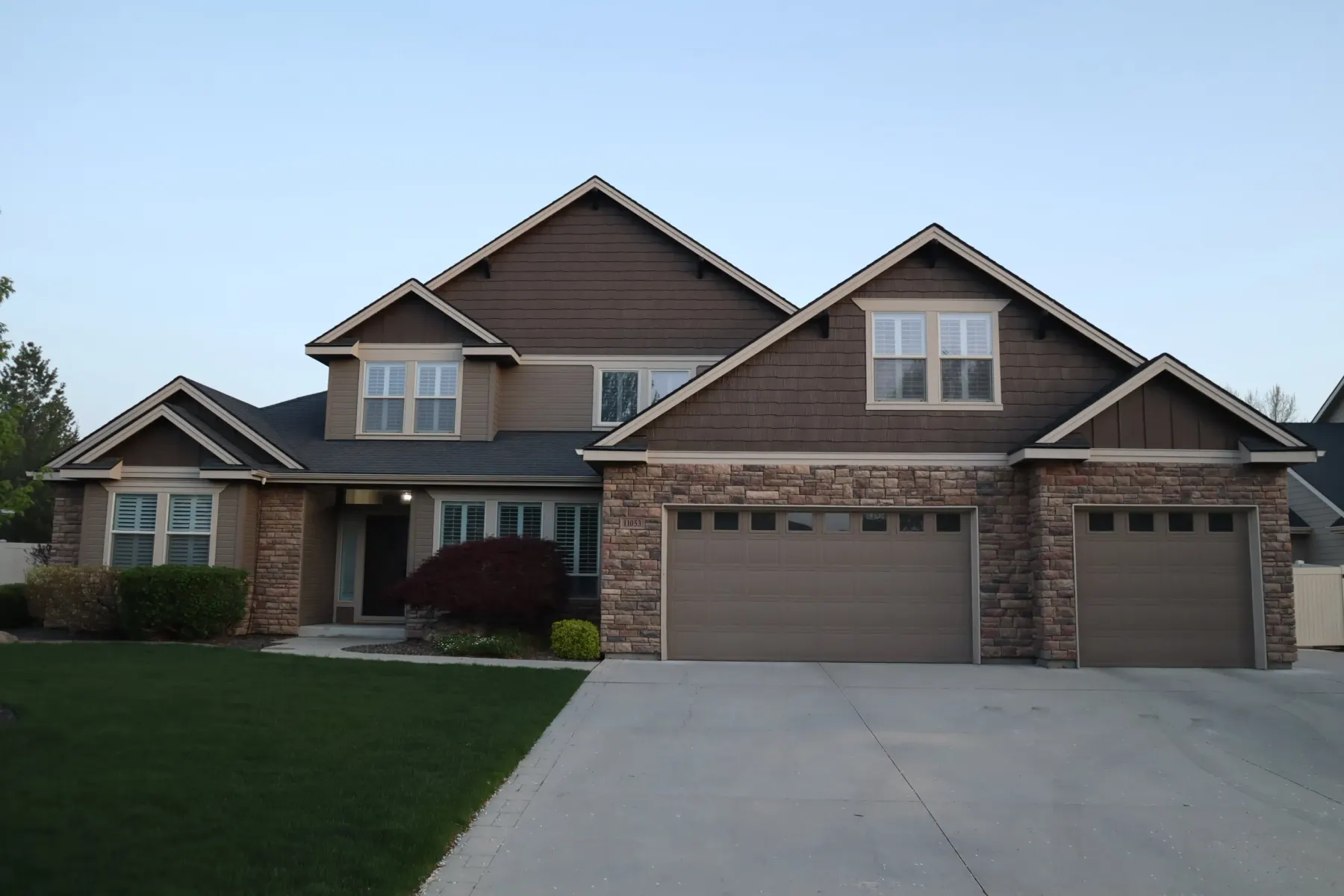
Stand across the street and shoot the whole front of the house in daylight, straight on. Include the garage door if you have one — it makes a great ruler.
JPG, PNG, HEIC or WebP · your photo is only used to plan your lights
Tips for a good photo
Three things that make the estimate better
Shoot straight on
Stand across the street, centred on the house, in daylight. Steep angles shrink the far side of the roofline.
Include a ruler
A garage door or front door in frame gives the tool a known size. A double garage door is 16 ft wide; a front door is 6 ft 8 in tall.
Draw every edge
Follow each eave and gable you want lit. Use an unlit jump to skip a gap, and mark a detached garage as a separate building.
Questions
About the visualizer
- How accurate is the footage?
- Close enough to pick a kit. A photo flattens perspective, so we add a 10% fitting allowance and confirm the real numbers against your roofline before anything ships.
- What if I cannot set a scale?
- Type your roofline length instead. You can still draw on the photo so we can see exactly where the lights go.
- Can I just add it to my cart?
- Yes. Once the kit and extras look right, add everything to your cart and check out. Or send us the plan first and we will review it and email a payment link.
- What if my house needs more than 250 ft?
- The tool adds extra puck packs and track beyond the largest kit. We will confirm whether two kits work out cheaper before you pay.